
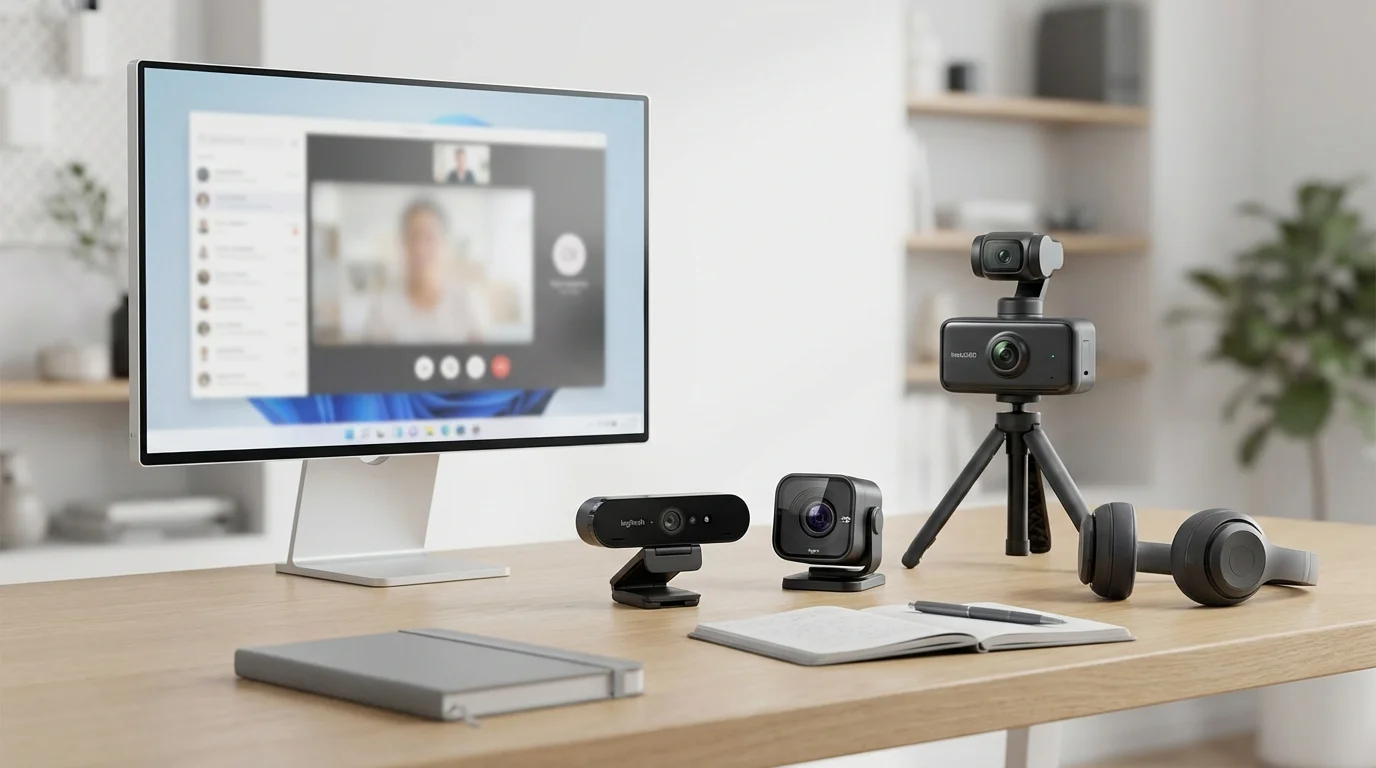
Best Webcams for Remote Work: 6 Tested on Real Calls
Most laptop cameras make you look terrible. We tested 6 webcams in low light, bright light, and video calls -- the $79 pick shocked us.

James Carter
Feb 13, 2026
James Carter
April 8, 2026

Disclosure: This article contains affiliate links. We may earn a commission at no extra cost to you if you purchase through our links.
A portable monitor sounds like a nice-to-have until you spend three days squinting at a 13-inch laptop screen in a co-working space or a hotel room. Then it becomes a necessity. The problem is that the portable monitor market is flooded with sameness — dozens of near-identical panels at identical price points, differentiated mainly by branding and minor spec variations.
I spent three months testing five portable monitors in actual remote work conditions: video calls, code editing, document work, and occasional video streaming. Here's the honest breakdown.
Before diving into specific models, it's worth establishing what separates a portable monitor worth buying from the commodity noise.
Panel quality over specs on paper. A 1080p IPS panel with good factory calibration beats a 2K panel with washed-out colors. Brightness, color accuracy (Delta E), and viewing angles matter more to daily productivity than raw resolution.
Connectivity that matches your laptop. This sounds obvious but causes real frustration in practice. If your laptop only has USB-C ports and the monitor requires USB-A or HDMI, you're hauling adapters. The best portable monitors power and transmit data over a single USB-C cable.
Weight and form factor. "Portable" covers a wide range — from 0.7 kg models that slide into a laptop sleeve to 1.4 kg behemoths that need their own bag compartment. Be honest about how you actually travel.
Build quality. The hinge mechanism, screen protection, and overall sturdiness are particularly important for a device that will be packed and unpacked daily.
The ASUS ZenScreen line has dominated the portable monitor category for a reason. The MB16ACE delivers a 1080p IPS panel with good color coverage, a USB-C single-cable setup, and a smart stand built into the cover sleeve.
At 0.78 kg, it genuinely fits in a laptop bag without dominating it. The 60Hz refresh rate is fine for productivity work — this isn't a gaming monitor. Brightness peaks around 250 nits, which is acceptable indoors but limiting in bright outdoor environments.
What I liked in real use: The built-in cover-stand is clever. No separate kickstand to lose, no awkward prop-up solutions. You open the cover, position it, and you're working. The USB-C single-cable operation works flawlessly with modern laptops — plug in, display appears.
What frustrated me: 250 nits is genuinely not enough for a bright café window seat. If you often work in high-ambient-light environments, look at the brighter alternatives below.
Price: ~$250
Best for: daily portable display use, hotel rooms, indoor co-working spaces
The LG gram +view addresses a real gap: most portable monitors ship in 16:9 aspect ratio, which is fine for video but suboptimal for document work, code, or reading. The gram +view's 16:10 ratio gives you an extra strip of vertical real estate that becomes surprisingly significant over a full day of work.
The 16-inch, 2560×1600 panel is the sharpest on this list, and the 99% DCI-P3 color coverage makes it the clear choice for anyone doing any visual work alongside standard productivity tasks.
Weight is the tradeoff at 0.9 kg, and the folding stand, while functional, is more fiddly than the ZenScreen's sleeve solution.
Price: ~$350
Best for: developers, writers, content creators who need screen real estate
At around $150, the ViewSonic VX1655 undercuts most competitors significantly while delivering a genuinely usable 1080p IPS panel. Single USB-C cable operation works, the color accuracy is acceptable for general work, and the integrated kickstand handles most desk surfaces without issue.
Where it shows its price: build quality is noticeably lighter (in the cheap sense), the stand wobbles more than premium options, and the viewing angle degrades faster when you're not looking head-on.
If you need a portable monitor for occasional use and don't want to commit $250+, the VX1655 is a reasonable entry point.
Price: ~$150
Best for: occasional travelers, students, backup displays
The Espresso Display has carved out a genuine niche by targeting macOS users specifically. It comes with a proprietary accessory ecosystem (magnetic stands, mounting accessories) that integrates well with Apple's design aesthetic, and the macOS experience — display recognition, power delivery, brightness integration — is noticeably smoother than competitors.
The 1080p display is fine rather than exceptional. What you're paying a premium for ($380+) is the ecosystem coherence and the build quality: the aluminum chassis feels genuinely premium, not plastic-panel-in-a-metal-frame.
Price: ~$380
Best for: Mac-primary users who value build quality and ecosystem integration
The Desklab 4K ships in 15.6 inches at true 4K resolution — which sounds impressive until you realize that at this screen size, 4K is overkill for text work and the increased resolution tanks brightness further. At 220 nits, it's among the dimmer options tested.
It earns honorable mention for photo editing use cases where the color accuracy justifies the tradeoffs, but I wouldn't recommend it as a primary productivity display for remote workers.
Price: ~$300
This is where many remote workers get burned. Here's the practical connectivity breakdown:
Single USB-C (best): ZenScreen, gram +view, Espresso Display. One cable handles power and video. No hub required if your laptop has a USB-C with DisplayPort alt mode.
USB-C + HDMI (good): Most ViewSonic models. More flexibility but requires more cables in your bag.
HDMI only (avoid for portability): Some budget models. You'll need HDMI and a separate USB power cable minimum — two cables instead of one.
Thunderbolt-specific (check compatibility): Some high-end displays specify Thunderbolt 3/4 for full feature support. Works fine with Thunderbolt ports but may deliver reduced performance over standard USB-C.
If you want one portable monitor that handles everything: ASUS ZenScreen MB16ACE. It's been the category standard for years and hasn't been meaningfully beaten at its price point for general productivity.
If you work primarily in documents or code: LG gram +view 16MQ70. The extra vertical space and higher resolution justify the premium.
If you're Mac-forward and want premium build quality: Espresso Display 15. The ecosystem integration is real and matters daily.
If budget is the primary constraint: ViewSonic VX1655. Acceptable quality at a genuinely lower price point.
Protect the panel in transit. Portable monitors have thin profiles and unprotected screens are vulnerable. Models with built-in sleeve covers (ZenScreen) are ahead here. For others, a thin neoprene sleeve is worth the $10 investment.
Check ambient brightness before buying. If you often work near windows or in bright environments, prioritize monitors advertising 300+ nits. The difference between 250 and 350 nits is very noticeable in practice.
Test your laptop's power delivery. Some laptops power portable monitors over USB-C without issue. Others, particularly older models or laptops with power-hungry GPUs, may need the monitor connected to its own power source. Check before assuming single-cable operation will work.
Consider the table surface. Kickstands on portable monitors work well on solid desk surfaces. On fabric, fabric-covered tables, or soft surfaces (airplane tray tables), they're unreliable. The sleeve-stand design of the ZenScreen handles variable surfaces better than most competitors.
A well-chosen portable monitor doesn't just add screen real estate — it changes how productively you can work from anywhere. The investment pays back within weeks of regular use.
Most laptop cameras make you look terrible. We tested 6 webcams in low light, bright light, and video calls -- the $79 pick shocked us.
James Carter
Feb 13, 2026
A former engineer's honest pick of 4K, ultrawide and 5K monitors for coding, judged on text sharpness, vertical space and one-cable USB-C.

James Carter
Jun 16, 2026

We trained identical models on 5 laptops for 4 months. One $1,800 machine outperformed a $3,500 competitor.
James Carter
Feb 13, 2026