
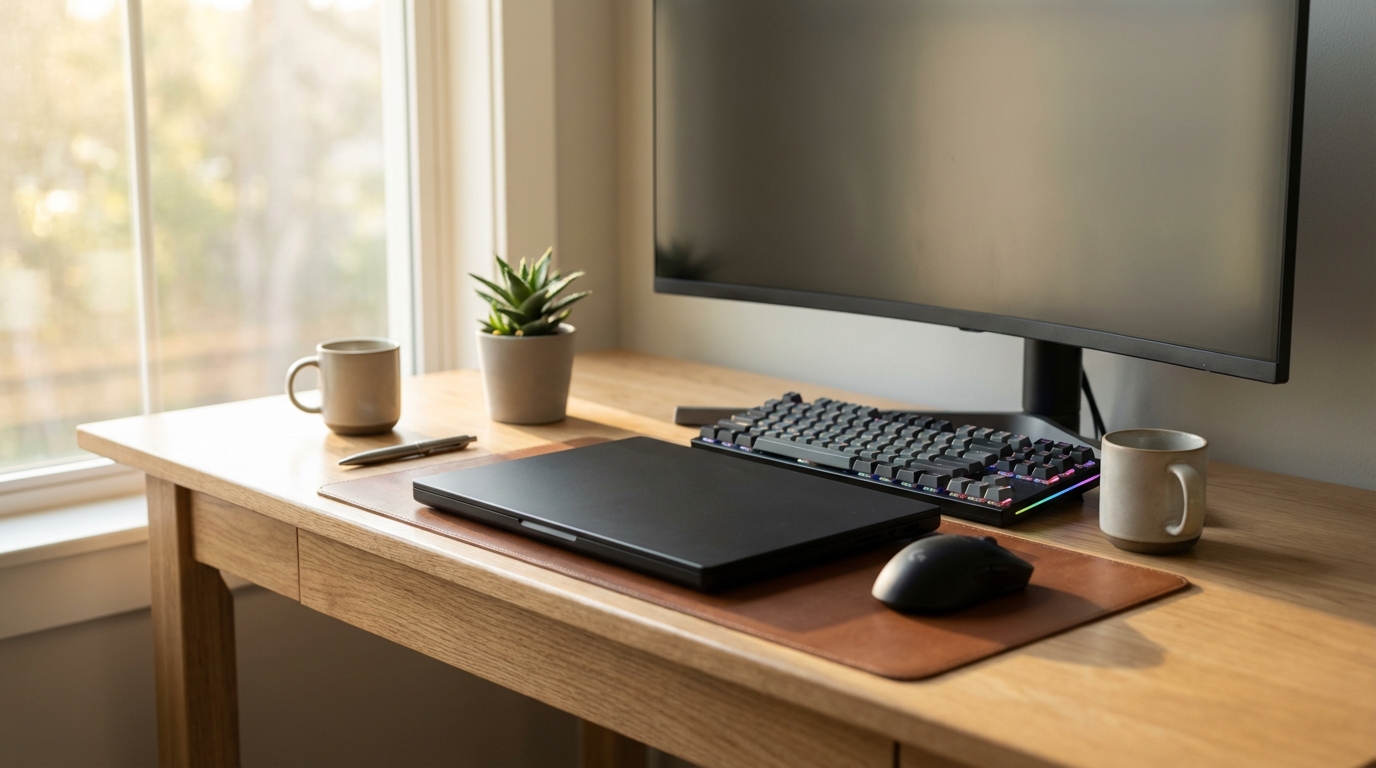
Best Budget Laptops for AI and Coding Under $1,200
An ex-engineer's honest picks for coding and AI work on a budget, with the RAM, GPU and Linux tradeoffs that actually decide it.

James Carter
Jun 16, 2026
James Carter
June 15, 2026

Disclosure: This article contains affiliate links. We may earn a commission at no extra cost to you if you purchase through our links.
I spent eight years as a software engineer before I started writing about the gear, and the keyboard is the one tool I never stopped fussing over. You touch it every working minute. A board that fights you a little on every keystroke adds up to real fatigue by Friday afternoon, and a board that gets out of the way quietly makes the whole day smoother.
So this is not a stopwatch test with invented typing-speed graphs. I've owned or used every keyboard below, I read the spec sheets so you don't have to, and I've watched the community argue about these exact boards for years on the keyboard forums. What follows is my honest read on which one fits which kind of developer, grounded in real switches, real layouts, and real prices as of mid-2026. Mechanical boards earn their keep through tactile feedback, switches rated for tens of millions of presses, and a degree of customization that membrane keyboards can't touch.
Here's the lineup at a glance. I dropped the fake out-of-ten scores you'll see on most roundups, because a single number can't tell you whether a split ergonomic board suits your wrists. The "best for" column is the honest answer.
| Keyboard | Best for | Switch type | Layout | Approx. price |
|---|---|---|---|---|
| Keychron Q1 Pro | Most programmers | Hot-swap MX (K Pro) | 75% | ~$170–200 |
| HHKB Pro Hybrid Type-S | Terminal minimalists | Topre 45g (silent) | 60% | ~$255–285 |
| ZSA Moonlander | Sore wrists | Hot-swap MX/Kailh | Split (72 keys) | $365 |
| Logitech MX Mechanical | Quiet offices | Tactile Quiet (low-profile) | Full / Mini | ~$130–170 |
| Ducky One 3 | Tinkerers on a budget | Hot-swap Cherry MX | 60/65/TKL/full | ~$110–160 |
| Leopold FC660M | Pure typing feel | Cherry MX (soldered) | 65% (66 keys) | ~$109–115 |
Most people obsess over switches first. I'd flip that. For coding, layout size matters more day to day, because it decides where your arrow keys, function row, and mouse end up.
A full-size board wastes a lot of real estate on a numpad that most developers never touch, and it pushes your mouse out to the right, which is the quiet cause of a lot of shoulder strain. A 75% layout keeps the function row (you need it for debugging, IDE shortcuts, terminal escapes) plus arrows and a navigation column, while trimming the numpad. That's my default recommendation. A 65% layout drops the function row to a Fn layer but keeps dedicated arrow keys, which is a fair trade if you live in your editor. A 60% layout strips arrows too, and that's a real adjustment, worth it only if you're already a Vim or terminal person who navigates from the home row.
Then there's the split, ergonomic category, which is a different conversation entirely. If you have any wrist pain, tingling, or shoulder tension, a split board lets each hand sit at shoulder width with a natural angle, and the thumb clusters move Ctrl and Shift off your overworked pinkies. It's not a luxury for people who hurt. It's a fix.
Quick guide, because the jargon scares people off. Tactile switches (Cherry MX Brown, Gateron Brown, and similar) give a small bump when the key registers, so you feel the actuation without a loud click. Most programmers I know land here. Linear switches (Cherry MX Red) are smooth top to bottom with no bump, which fast typists tend to love and others find a touch vague. Clicky switches are loud and best avoided in any shared space. And Topre, found only in the HHKB, is its own thing: a capacitive, electro-rubber-dome hybrid with a deep, cushioned feel that fans call "thock." Actuation forces usually sit between 45g and 55g; lighter is easier on the fingers over a long day.
This is the one I hand to people who ask "just tell me what to buy." The Q1 Pro nails the 75% layout, ships in a CNC-machined 6063 aluminum case, and uses a gasket mount that gives it a soft, cushioned bottom-out and a satisfying sound that won't get you side-eye in an office.
It's wireless done right: Bluetooth 5.1 for up to three devices, a low-latency 2.4GHz dongle, and USB-C when you want a cable. The 4000mAh battery is one of the biggest in any keyboard and stretches to roughly 100 hours at low backlight. The switches are hot-swappable on both 3-pin and 5-pin MX sockets, so you can pull the pre-lubed Keychron K Pro switches and try Gaterons, Cherries, or boutique tactiles without ever touching a soldering iron. Full QMK and VIA support means you can remap any key, build macros, and program the rotary knob.
The honest downsides: it's heavy (the all-aluminum body is the reason it sounds so good and the reason it never travels in a bag), and at street prices near $200 it's a big first purchase. Stock stabilizers are fine but reward a little lube if you're picky. None of that changes my conclusion. If you buy one board and keep it for the next five years, make it this one.
Check price on Amazon · Keychron product page
The Happy Hacking Keyboard has been a quiet obsession among Unix and Linux developers for decades, and the Pro Hybrid Type-S is the version I'd actually buy today. It pairs PFU's silenced Topre switches with modern Bluetooth (up to four paired devices) and USB-C.
Those 45g Topre switches are the whole point. Smooth like a membrane, tactile like a mechanical, and quiet enough for a shared room thanks to the Type-S silencing rings. PFU rates them for around 50 million keystrokes, so this is a board you hand down, not throw out. The 60-key layout is ruthless: Control sits where Caps Lock normally lives, arrows live on a Fn layer, and there is no function row. For a terminal-heavy workflow with Vim or Emacs, that constraint becomes a feature, because your hands almost never leave the home row. It's also light at 540g, which makes it the one premium board on this list you can genuinely toss in a bag.
What I won't sugarcoat: street prices hover around $255–285, which is a lot for a plastic case with no backlight. The layout has a real learning curve, and the Topre stems aren't standard MX, so your aftermarket keycap options are thin. It is not hot-swappable. You are marrying Topre. But people who click with the HHKB rarely go back, and I understand why.
Check price on Amazon · PFU/HHKB official site
If your wrists hurt, start here and read the rest later. The Moonlander Mark I is a split, columnar board with 72 keys (about 47 printed, the rest blank for you to program), and it's the one I recommend without hesitation to anyone fighting repetitive strain.
The two halves separate completely, so you set each one at shoulder width with whatever tilt feels right. Built-in tenting legs raise the inner edge to put your wrists in a more neutral position, and an articulating thumb cluster hands the heavy modifiers to your thumbs instead of your pinkies. The columnar (ortholinear) layout lines keys up in straight columns to match how fingers actually move, which is part of why it feels strange for a couple of weeks and then suddenly right. Switches are hot-swappable with around ten Cherry and Kailh options at checkout, and the firmware is QMK under the hood, configured through ZSA's Oryx web editor, the friendliest layout tool I've used. Layers, tap-dance, auto-shift, all drag-and-drop. The Keymapp companion app shows your active layer live.
The catches are real. At $365 it's the priciest board here, it's wired USB-C only with no wireless option, and the columnar split costs you two to four weeks of slower typing while your muscle memory catches up. Budget that adjustment honestly. After it, most people I know stop thinking about their hands at all, which is the whole goal.
Check price on Amazon · ZSA official store
Sometimes the right answer is the boring one. Not every coder wants a board that announces every keystroke to the open-plan office, and the MX Mechanical is built for exactly that person. It's a low-profile mechanical with Logitech's Tactile Quiet switches, so you get a real bump with very little noise, closer to a nice laptop board than a clacky enthusiast deck.
The reason to buy it, though, is the Logitech ecosystem. It pairs with up to three devices and switches between them instantly, and Logitech Flow lets your cursor (and copy-paste) hop between two computers as if they were one. Logi Options+ handles per-app key customization. Battery life runs about 15 days with the backlight on, or roughly 10 months with it off, and an ambient sensor dims the keys automatically. It comes in a full-size model and a smaller Mini that drops the numpad. Prices generally sit in the $130–170 range depending on size and sales.
I'll be straight: the typing feel is a notch below the enthusiast boards here, the bottom row is non-standard so keycap swaps are limited, and there's no hot-swap. This isn't the board for someone chasing "thock." It's the board for someone who needs to be quiet, switch between a work laptop and a personal desktop all day, and not think about it again.
Check price on Amazon · Logitech product page
The Ducky One 3 is where I'd send someone who wants to learn the hobby without spending Keychron money. It's hot-swappable using Ducky's Kailh sockets, it ships with thick doubleshot PBT keycaps that resist the greasy shine cheaper ABS caps develop, and the build quality clearly punches above the roughly $110–160 you'll pay.
Ducky's QUACK Mechanics is marketing-speak for a genuinely well-tuned acoustic package: a silicone plate dampener, EVA case foam, and upgraded V2 stabilizers, all of which mean it sounds good out of the box instead of rattly. It comes in 60%, 65%, SF, TKL, and full-size, so you can match it to whatever layout argument you landed on earlier. Standard bottom row, so every aftermarket keycap set on the market fits. Because the switches pop out, nothing you buy later goes to waste, you just keep swapping.
The trade-offs are predictable at this price. It's wired USB-C only, the RGB is more flash than function for most developers, and the deeper configuration software leans Windows. But as a first real mechanical that you can grow into, it's hard to beat.
No RGB. No wireless. No app. The Leopold FC660M is gloriously, stubbornly about one thing, and that thing is typing feel. For around $109–115 it delivers a refined, dampened sound and a solidity that shames boards costing twice as much.
The 65% layout (66 keys) is the sweet spot if you want dedicated arrow keys without the bulk, and Leopold's doubleshot PBT keycaps have crisp legends that will never wear off. Inside, there's sound-dampening foam and a dampened spacebar, plus DIP switches on the underside for a few hardware tweaks like swapping Caps Lock and Control. It uses Cherry MX switches, soldered in, with the usual choice of Red, Brown, Blue, Clear, Black, or Silent Red at purchase.
Here's the honest limit: it is not hot-swappable, so you commit to your switch choice unless you can wield a soldering iron, and there's no software remapping beyond those DIP switches. Availability runs through specialty retailers rather than big-box stores. If you already know which switch you love and you just want a keyboard that types beautifully and lasts for years, Leopold is the quiet professional's pick.
Want the safe all-rounder? Keychron Q1 Pro. Hurting wrists? ZSA Moonlander, and don't talk yourself out of it. Stuck in a quiet office juggling two machines? Logitech MX Mechanical. Itching to tinker on a budget? Ducky One 3. After the purest typing feel with zero gimmicks? Leopold FC660M. A terminal devotee who lives in Vim? The HHKB will feel like it was made for you, because it sort of was.
If you're building out the rest of a coding setup, it's worth pairing the right board with the right screen and machine: see our picks for the best monitors for developers and, if you're working with models locally, the best laptops for AI development.
Which switch type is best for programming? For most people, a tactile switch (Cherry MX Brown, Gateron Brown, or the MX Mechanical's Tactile Quiet) gives you feedback without the noise of a clicky switch. I personally prefer a lighter linear for speed, but that's taste, not gospel. The only switch I'd steer everyone away from in a shared space is clicky. Try a switch tester before you commit on a soldered board like the Leopold.
Is a 60% layout actually usable for coding? Yes, but with a caveat. If you live in the terminal and use Vim or Emacs, you'll adapt to the HHKB's Fn-layer arrows in a week or two and likely prefer it. If you lean hard on the function row and dedicated arrows for IDE shortcuts, jump to a 65% (Leopold) or 75% (Keychron). That's the safest middle ground.
How long until a new keyboard feels normal? A standard layout takes a day or two. The HHKB's 60% took me about two weeks. A split board like the Moonlander is the big one: plan for two to four weeks of slower, clumsier typing before it clicks. Your speed dips first, then passes where you were.
Are $200-plus keyboards worth it for a developer? If you code full-time, the math is almost silly. A $300 board used 2,000 hours a year works out to around $0.15 an hour, and you keep it for years. Against a tool you literally hold all day, that's one of the cheapest comfort upgrades you can make. If money's tight, the Leopold or Ducky get you 90% of the feel for a third of the price.
Do I need a budget laptop to go with this, or my existing rig? Any of these boards plug into whatever you already own over USB-C. If you're shopping for the computer too, especially for local model work, our budget laptop picks for AI coding cover what to prioritize.
For most programmers, the Keychron Q1 Pro is the board I'd buy with my own money: great layout, real wireless, deep customization, and a typing experience that holds up against anything here. If your hands hurt, the Moonlander is worth the learning curve and the price. If you want the purest feel without fuss, the Leopold; if you want to tinker, the Ducky; if you want quiet ecosystem convenience, the Logitech; and if you're a terminal purist, the HHKB. Honestly, the worst board on this list still beats the membrane keyboard most people are typing on right now. Whichever you pick, your hands will thank you by Friday.
An ex-engineer's honest picks for coding and AI work on a budget, with the RAM, GPU and Linux tradeoffs that actually decide it.
James Carter
Jun 16, 2026
A former engineer's honest pick of 4K, ultrawide and 5K monitors for coding, judged on text sharpness, vertical space and one-cable USB-C.
James Carter
Jun 16, 2026
Most laptop cameras make you look terrible. We tested 6 webcams in low light, bright light, and video calls -- the $79 pick shocked us.

James Carter
Feb 13, 2026