
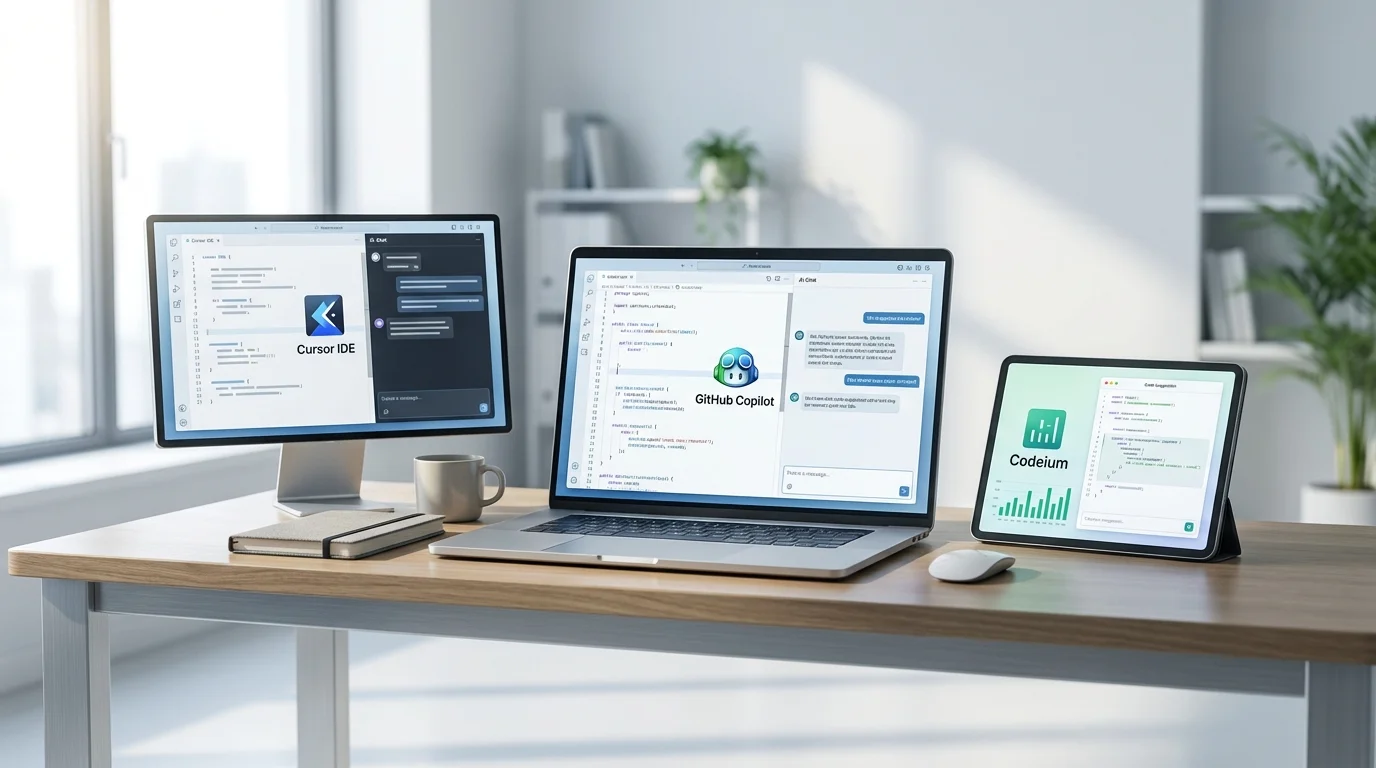
Copilot vs Cursor vs Codeium: 30-Day Dev Test
Same codebase, 3 AI tools, 30 days. One wrote 40% fewer bugs -- and it's not the most expensive option.

James Carter
Feb 13, 2026
James Carter
February 13, 2026
Disclosure: This article contains affiliate links. We may earn a commission at no extra cost to you if you purchase through our links.
Choosing a project management tool feels overwhelming because every option promises to be the one platform that replaces them all. The reality is more nuanced — each tool excels at different things, and the best choice depends on how your team actually works rather than which feature list looks longest.
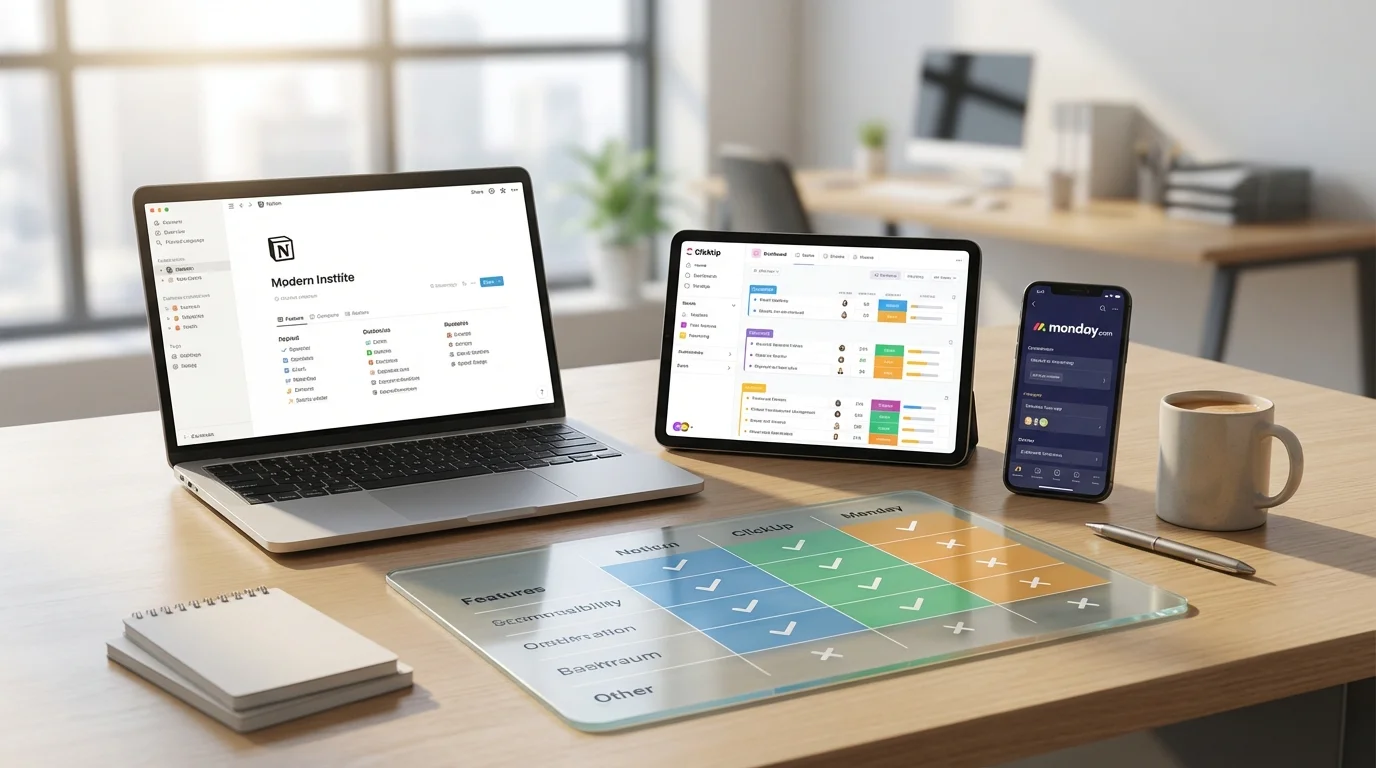
We used Notion, ClickUp, and Monday.com to manage identical projects over four weeks: a marketing campaign launch, a software development sprint, and a client onboarding process. We evaluated task management, team collaboration, learning curve, and whether each tool actually helped us get more done or just created more administrative overhead.
| Feature | Notion | ClickUp | Monday.com |
|---|---|---|---|
| Best For | Docs + flexible workspace | Feature-rich PM | Visual project tracking |
| Price | Free / $10/mo Plus | Free / $7/mo Unlimited | Free / $9/seat/mo Basic |
| Free Plan | Yes (generous) | Yes (generous) | Yes (2 users max) |
| Task Management | Good (database views) | Excellent (native) | Excellent (native) |
| Docs & Wiki | Excellent | Good | Basic |
| Views | Table, Board, Calendar, Timeline, Gallery | 15+ views | 8+ views |
| Learning Curve | Moderate | Steep | Easy |
| Our Rating | 8.8/10 | 8.5/10 | 8.3/10 |
Notion is not strictly a project management tool — it is a workspace that can be configured into a project management tool, a documentation wiki, a CRM, a content calendar, or almost anything else. This flexibility is both its greatest strength and its most significant challenge.
The building blocks are simple: pages, databases, and blocks. A database can display as a table, kanban board, calendar, timeline, or gallery. Link databases together and you create relational systems that rival custom software. Our marketing campaign tracker connected tasks to content briefs to campaign metrics, all within linked Notion databases.
Notion's documentation capabilities are unmatched by ClickUp or Monday. Creating rich, nested pages with embedded databases, toggles, callouts, and multimedia feels natural. For teams that need both project management and a knowledge base, Notion eliminates the need for a separate wiki tool.
The AI features have matured into genuinely useful assistants. Ask Notion AI to summarize a meeting notes page, generate action items from a document, or draft a project brief from bullet points. The AI understands your workspace context, pulling relevant information from connected pages.
What We Liked:
What Could Be Better:
Our Verdict: Notion is the best choice for teams that value flexibility and need documentation alongside project management. If you want one tool for tasks, docs, wikis, and knowledge management, Notion delivers. The trade-off is setup time — you build your system rather than using one out of the box.
Pricing: Free (individual). Plus at $10/member/month. Business at $18/member/month. Enterprise custom.
ClickUp's approach is the opposite of Notion's minimalism — it tries to include every conceivable project management feature in a single platform. And to its credit, most of those features work well. If you need native Gantt charts, time tracking, goal setting, whiteboards, form builders, and 15+ task views, ClickUp has them all without plugins.
The task management system is the most comprehensive we tested. Each task supports subtasks, checklists, multiple assignees, custom fields, dependencies, time estimates, time tracking, comments, and file attachments. For complex projects with detailed task requirements, ClickUp provides granularity that Notion and Monday cannot match natively.
ClickUp's 15+ views mean you can visualize the same data in dramatically different ways: list, board, calendar, timeline, Gantt, workload, table, mind map, and more. In our software development sprint, the team lead used the Workload view to balance assignments while developers used the Board view for their personal kanban, all showing the same underlying data.
What We Liked:
What Could Be Better:
Our Verdict: ClickUp is the best choice for teams that want maximum functionality in a single platform and are willing to invest time learning the system. The feature depth is impressive, and the pricing is the most competitive for what you get. But be prepared for a 2-3 week learning curve before your team is productive.
Pricing: Free (100MB storage). Unlimited at $7/member/month. Business at $12/member/month. Enterprise custom.
Monday.com prioritizes visual clarity above all else. Its board-based interface uses color coding, status columns, and progress bars to give you an instant snapshot of project health. In our testing, Monday.com was the platform where new team members became productive fastest — usually within the first hour.
The interface is built around boards with customizable columns. Each board represents a project or workflow, and columns represent data points like status, person, date, priority, and custom fields. The visual language is immediately intuitive — green means done, yellow means in progress, red means stuck. No training manual required.
Monday's automation builder is excellent for its simplicity. "When status changes to Done, notify person" or "When date arrives, move item to Next Week group" — automations use plain English recipes that non-technical users configure in seconds. We set up our entire client onboarding workflow automation in under 30 minutes.
What We Liked:
What Could Be Better:
Our Verdict: Monday.com is the best choice for teams that want immediate productivity without a learning curve. Its visual approach makes project status transparent to everyone — from team members to executives. The trade-off is less flexibility than Notion and fewer features than ClickUp, but for straightforward project tracking, nothing is faster to adopt.
Pricing: Free (2 seats). Basic at $9/seat/month. Standard at $12/seat/month. Pro at $19/seat/month.
Choose Notion if your team needs a flexible workspace combining project management with documentation, wikis, and knowledge management. You want to build a custom system tailored to your exact workflow, and you are willing to invest setup time for long-term gains. Best for startups, content teams, and knowledge workers.
Choose ClickUp if you need the most comprehensive project management features in a single platform — native Gantt charts, time tracking, workload management, and every view imaginable. You want maximum functionality and are willing to handle the learning curve. Best for development teams, agencies, and operations-heavy organizations.
Choose Monday.com if you prioritize ease of adoption and visual clarity above feature depth. You want your entire team — including non-technical members — productive immediately. Best for marketing teams, sales teams, and any organization where simplicity drives adoption.
Can I migrate from one tool to another? All three platforms offer CSV import/export and some direct migration tools. Notion's import handles Trello, Asana, and Evernote data. ClickUp imports from most competitors. Monday has import templates. Expect to spend 1-2 days cleaning up migrated data regardless of the tool.
Which one is best for software development teams? ClickUp has the most native features for development (sprints, story points, GitHub integration). Notion works well for teams that want lightweight task tracking with strong documentation. Monday requires add-ons for development-specific features.
Do any of these replace Slack or email? All three have comment features on tasks and pages, but none fully replace real-time messaging. They complement Slack and email rather than replacing them. ClickUp comes closest with its built-in chat feature, but adoption is mixed.
What about data security? All three are SOC 2 Type II certified. Notion and ClickUp offer HIPAA compliance on enterprise plans. Monday.com provides ISO 27001 certification. For sensitive data, evaluate each platform's enterprise security features and data residency options.
For most teams starting fresh, Notion offers the best long-term value with its combination of project management and documentation in a single, flexible workspace. The setup investment pays dividends as your team scales.
ClickUp is the power user's choice when you need every project management feature under one roof at aggressive pricing. And Monday.com is the safest bet when fast adoption across your entire organization matters more than feature depth.
Same codebase, 3 AI tools, 30 days. One wrote 40% fewer bugs -- and it's not the most expensive option.
James Carter
Feb 13, 2026
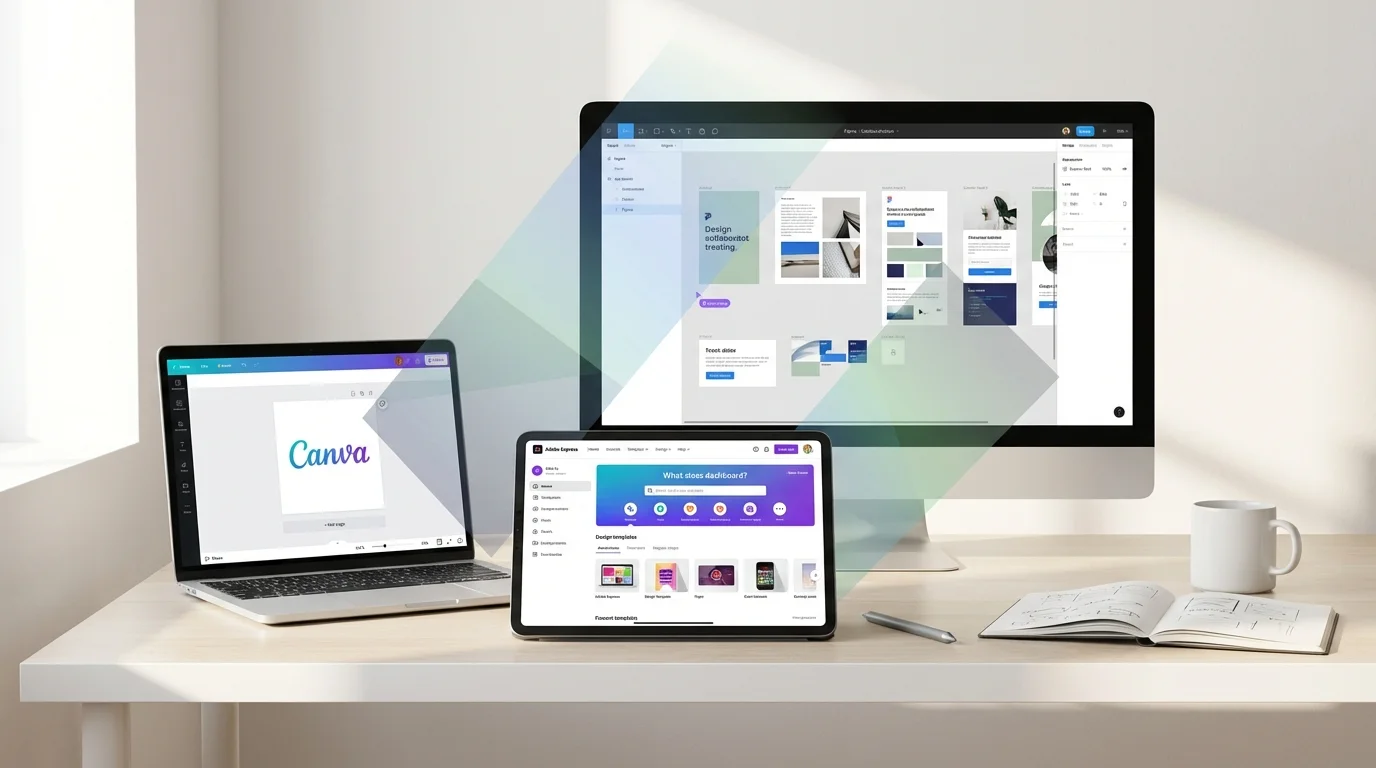
We designed the same social post, pitch deck, and logo in all three. One tool took 3 minutes, another took 25.
James Carter
Feb 13, 2026

We ran the same 10 essays through all three. One caught 47% more errors -- but another made our writing sound better.
James Carter
Feb 13, 2026