
Grammarly vs Hemingway vs ProWritingAid: Which Fixes More?
We ran the same 10 essays through all three. One caught 47% more errors -- but another made our writing sound better.

James Carter
Feb 13, 2026
James Carter
February 13, 2026
Disclosure: This article contains affiliate links. We may earn a commission at no extra cost to you if you purchase through our links.
Not everyone who needs to create visual content is a designer. Marketers need social media graphics, startup founders need pitch decks, and content creators need thumbnails — all without spending years learning Adobe Illustrator. The good news is that modern design tools have democratized visual creation. The challenge is picking the right one.
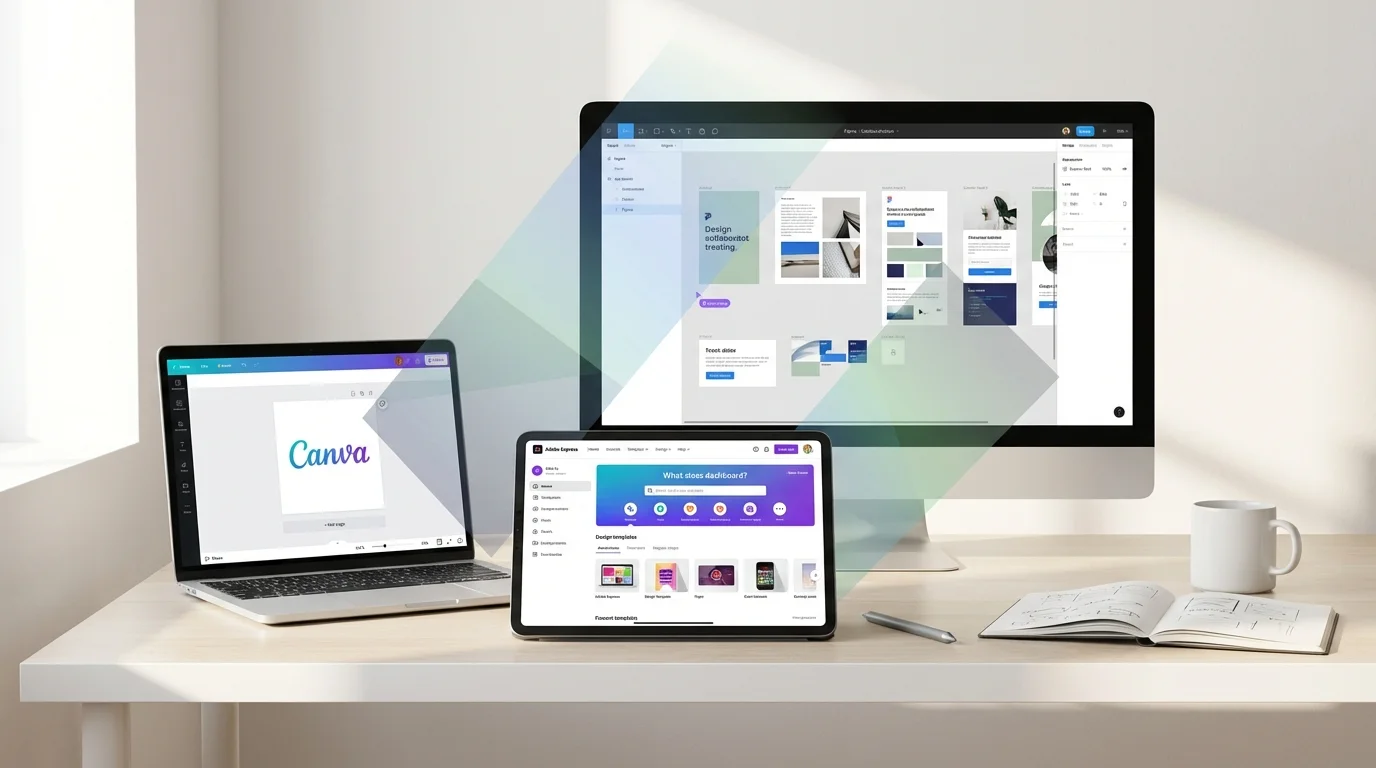
We tested Canva, Adobe Express, and Figma side by side across common tasks: creating social media posts, designing presentations, building simple logos, and producing marketing materials. We evaluated each tool from the perspective of someone with no formal design training but who needs professional-looking results.
| Feature | Canva | Adobe Express | Figma |
|---|---|---|---|
| Best For | All-around content creation | Adobe ecosystem users | Collaborative UI design |
| Price | Free / $13/mo Pro | Free / $10/mo Premium | Free / $15/mo Pro |
| Free Plan | Yes (generous) | Yes (limited) | Yes (3 projects) |
| Templates | 600,000+ | 200,000+ | Community templates |
| Learning Curve | Very easy | Easy | Moderate |
| Collaboration | Good | Basic | Excellent |
| AI Features | Magic Write, Magic Edit | Generative Fill, Text Effects | AI plugins |
| Our Rating | 9.1/10 | 8.2/10 | 8.5/10 |
Canva has become synonymous with easy design, and after years of testing design tools, we understand why. It nails the balance between power and simplicity better than anything else on the market.
The template library is staggering. Over 600,000 professionally designed templates cover everything from Instagram stories to business proposals to restaurant menus. Most templates look genuinely good — not the clip-art-era disasters you might expect from a drag-and-drop tool. You pick a template, swap in your content, adjust colors to match your brand, and export. The entire process for a social media post takes about three minutes.
Canva's AI features have matured considerably. Magic Write generates copy directly inside your designs. Magic Edit lets you select objects in photos and replace or remove them using text prompts. Magic Eraser removes unwanted elements from images. These features work well for quick edits and save trips to separate photo editing tools.
The Brand Kit feature on the Pro plan is essential for businesses. Upload your logos, define your brand colors and fonts, and Canva automatically suggests on-brand design elements across all templates. This consistency is worth the subscription price alone for teams producing regular marketing content.
What We Liked:
What Could Be Better:
Our Verdict: Canva is the best all-around design tool for non-designers. If you need to create social media posts, presentations, marketing materials, or any visual content quickly and professionally, Canva should be your first choice. The free plan is generous enough for individuals, and the Pro plan is excellent value for businesses.
Pricing: Free plan (limited features). Pro at $13/month (1 person), Teams at $10/person/month (minimum 3).
Adobe Express is Adobe's answer to Canva — a simplified design tool that makes professional-quality graphics accessible to non-designers. It benefits enormously from Adobe's creative DNA, particularly its AI capabilities powered by Adobe Firefly.
The standout feature is Generative Fill, inherited from Photoshop. Select an area of an image, type what you want to appear, and Adobe's AI generates it seamlessly. In our testing, the results were noticeably better than Canva's equivalent feature — more photorealistic and better at matching lighting and perspective.
Text Effects is another Adobe Express highlight. Type any text, describe a visual style (neon, metallic, watercolor, etc.), and the AI generates stunning typographic effects. For creating eye-catching social media headers and thumbnails, this feature alone can justify using Adobe Express.
What We Liked:
What Could Be Better:
Our Verdict: Adobe Express is the right choice if you prioritize AI-powered image editing and already use other Adobe tools. Generative Fill and Text Effects are genuinely best-in-class. However, for overall content creation breadth and ease of use, Canva remains ahead.
Pricing: Free plan (limited features). Premium at $10/month with full AI features and premium templates.
Figma is a different beast entirely. While Canva and Adobe Express focus on quick content creation from templates, Figma is a professional design tool that happens to be accessible enough for motivated non-designers to learn.
The learning curve is real — expect to spend a few hours understanding frames, auto-layout, and components before you are productive. But once you grasp the basics, Figma offers a level of design control that Canva and Adobe Express simply cannot match. Every element is precisely positioned, every spacing is exact, and the output looks custom-crafted rather than template-based.
Where Figma truly excels is collaboration. Multiple people can work on the same design file simultaneously, with real-time cursors and comments. For teams where designers and non-designers need to collaborate on marketing materials, presentations, or website mockups, Figma's collaborative workflow is unmatched by any competitor.
What We Liked:
What Could Be Better:
Our Verdict: Figma is not the best choice for quickly producing social media graphics or marketing materials — Canva wins there. But for teams that need precise, collaborative design work, website mockups, or a design system, Figma offers professional capabilities that the others cannot match.
Pricing: Free (3 projects, unlimited files). Professional at $15/editor/month, Organization at $45/editor/month.
Choose Canva if you need an all-in-one tool for social media graphics, presentations, marketing materials, and quick visual content. It is the easiest to learn, has the most templates, and delivers professional results with minimal effort. Best for marketers, content creators, small business owners, and anyone who needs to create visual content regularly.
Choose Adobe Express if you specifically need powerful AI image editing features like Generative Fill and Text Effects, or if you already use Adobe Creative Cloud tools and want a simplified option for quick designs. Best for photographers, Adobe ecosystem users, and anyone focused on image manipulation.
Choose Figma if you need precise design control, real-time collaboration with a team, or you are creating website mockups and UI designs. The learning curve is worth it for teams producing design work at scale. Best for design-adjacent roles like product managers, frontend developers, and startup teams.
Can I use Canva for professional client work? Absolutely. Many freelance marketers and small agencies use Canva Pro for client deliverables. The output quality is professional enough for social media, presentations, and basic print materials. For high-end print design or complex branding projects, you may need more advanced tools.
Is Figma overkill for non-designers? It depends on your needs. For quick social media posts, yes — use Canva instead. But if you regularly collaborate with designers on website layouts, app screens, or marketing campaigns, learning Figma basics will make you a much more effective collaborator.
Do any of these tools work offline? Canva has limited offline functionality on its desktop app. Adobe Express requires an internet connection. Figma works offline with the desktop app but requires internet to sync changes. For fully offline work, none of these is ideal.
Which tool has the best AI features? Adobe Express leads in AI image manipulation (Generative Fill, Text Effects). Canva leads in AI content generation (Magic Write) and general AI editing features. Figma integrates AI through community plugins but does not have native AI generation features.
For the vast majority of non-designers who need to create visual content, Canva is the clear winner. Its combination of ease, templates, AI features, and pricing makes it the most practical choice for everyday design needs.
If your work is specifically image-heavy and you need cutting-edge AI editing, Adobe Express is worth the subscription. And if you are part of a product or design team that values collaboration and precision, invest the time to learn Figma — it will pay dividends in every project.
We ran the same 10 essays through all three. One caught 47% more errors -- but another made our writing sound better.
James Carter
Feb 13, 2026
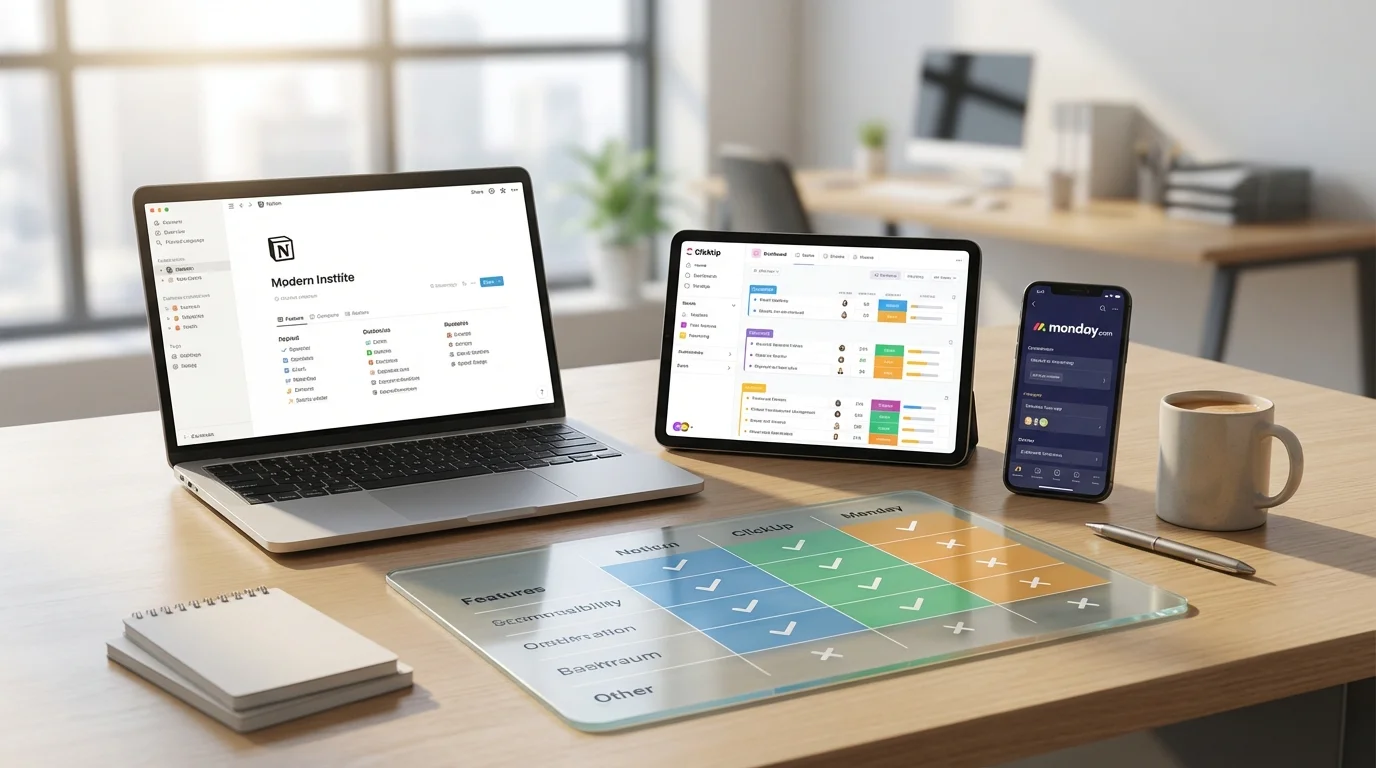
We managed the same project on all three for 30 days. One tool's free plan beat another's $12/user paid tier.
James Carter
Feb 13, 2026

We built identical workflows on all three. One costs 10x more for the same result -- and it's not the best.
James Carter
Feb 13, 2026