
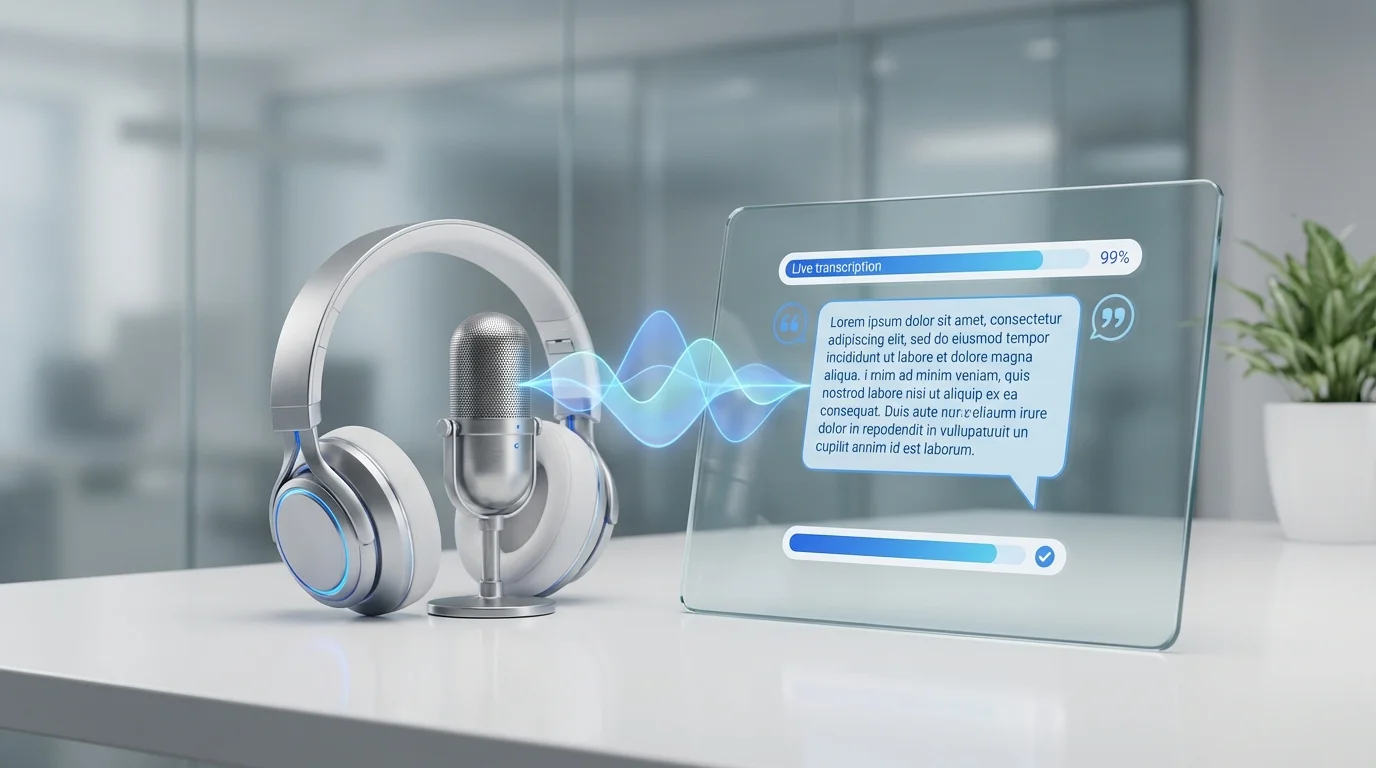
Best AI Transcription Tools: 50 Hours, 10 Services
We transcribed 50+ hours across 10 tools. One hit 98.7% accuracy for free -- most paid tools scored lower.

James Carter
Feb 13, 2026
James Carter
February 6, 2026

Disclosure: This article contains affiliate links. We may earn a commission at no extra cost to you if you purchase through our links.
Running a small business means wearing many hats. Marketing, accounting, customer service, content creation, scheduling, hiring — the list never ends, and the budget rarely stretches far enough to hire specialists for each role.
AI tools have changed this equation dramatically. Tasks that used to require dedicated staff or expensive agencies can now be handled by a solo founder with the right AI toolkit. We surveyed 150 small business owners about their most time-consuming tasks, then tested over 30 AI tools to find the best solution for each pain point.
Here are the 10 AI tools that deliver the highest ROI for small businesses in 2026.
| Tool | Category | Saves You | Price | Free Tier | ROI Rating |
|---|---|---|---|---|---|
| Claude | Writing & Strategy | 15+ hrs/week | $20/mo | Yes | Excellent |
| Canva AI | Design | 10+ hrs/week | $13/mo | Yes | Excellent |
| Descript | Video/Podcast | 8+ hrs/week | $24/mo | Yes | Very Good |
| Notion AI | Project Management | 5+ hrs/week | $10/mo | Yes | Excellent |
| Tidio AI | Customer Service | 20+ hrs/week | $29/mo | Yes | Excellent |
| QuickBooks AI | Accounting | 6+ hrs/week | $30/mo | Trial | Very Good |
| Calendly AI | Scheduling | 3+ hrs/week | $12/mo | Yes | Good |
| Grammarly Business | Communication | 4+ hrs/week | $15/user/mo | Yes | Very Good |
| Zapier AI | Automation | 10+ hrs/week | $20/mo | Yes | Excellent |
| Surfer SEO | SEO Content | 8+ hrs/week | $89/mo | Trial | Very Good |
Every small business needs to write — emails, proposals, blog posts, social media updates, product descriptions, and reports. Claude handles all of these at a level that used to require a professional copywriter.
What makes Claude particularly valuable for small businesses is its reasoning ability. Beyond writing, it can analyze your quarterly numbers, draft strategic plans, summarize competitor research, and even help you prepare for investor meetings. It functions less like a writing tool and more like a Swiss Army knife for knowledge work.
Best Use Cases for Small Business:
What We Liked:
What Could Be Better:
Our Verdict: The single most impactful AI tool for small business owners. If you buy only one AI subscription, make it this one.
Pricing: Free tier available. Pro at $20/month.
Hiring a graphic designer for every social media post, email banner, and presentation slide is not realistic for most small businesses. Canva AI has effectively eliminated this bottleneck.
Magic Design generates complete designs from a text prompt. Describe "Instagram post for a summer sale at a boutique clothing store" and get 8 ready-to-use options in seconds. Magic Eraser removes unwanted objects from photos. Magic Resize adapts a single design to every social platform simultaneously.
What We Liked:
What Could Be Better:
Our Verdict: A non-negotiable tool for any small business that creates visual content. The free tier is generous, and the Pro plan pays for itself in the first week.
Pricing: Free (limited features). Pro at $13/month, Teams at $10/user/month.
Video content is no longer optional for small businesses, but producing it has traditionally been expensive and time-consuming. Descript treats video editing like document editing — edit your transcript, and the video edits automatically.
The AI features are genuinely transformative for non-technical users. Filler word removal automatically cuts every "um," "uh," and "like" from your video. Eye contact correction makes it look like you are looking at the camera even when reading from notes. And the AI-generated clips feature automatically identifies the most engaging moments for social media shorts.
What We Liked:
What Could Be Better:
Our Verdict: If you create any video or podcast content, Descript pays for itself immediately. The time savings on editing alone are worth 10 times the subscription cost.
Pricing: Free (limited). Hobbyist at $24/month, Business at $33/month.
Small businesses often struggle with organization — scattered notes, unclear task ownership, and information trapped in email threads. Notion AI adds intelligence to your entire knowledge base.
The AI assistant can summarize meeting notes, generate action items from discussions, draft project plans from high-level goals, and answer questions about your own documentation. It is like having a project manager who has read everything your company has ever written.
What We Liked:
What Could Be Better:
Our Verdict: The best all-in-one workspace for small teams that want AI integrated into their daily operations rather than as a separate tool.
Pricing: Free (limited AI). Plus at $10/month, Business at $18/month. AI add-on at $10/member/month.
Customer service is a 24/7 need that most small businesses cannot staff 24/7. Tidio's AI chatbot, Lyro, handles up to 70% of routine customer inquiries automatically — order status, return policies, product questions, and appointment booking.
What sets Tidio apart from basic chatbots is its ability to learn from your existing content. Feed it your FAQ, product catalog, and policies, and it generates accurate, contextual responses that sound human. When it cannot handle a query, it seamlessly transfers to a human agent with full conversation context.
What We Liked:
What Could Be Better:
Our Verdict: Essential for any small business with online customer interactions. The time saved on repetitive questions alone justifies the cost.
Pricing: Free (50 Lyro conversations/month). Starter at $29/month, Growth at $59/month.
Zapier connects over 6,000 apps and automates workflows between them. The AI upgrade means you can describe automations in plain English instead of configuring them manually.
Tell Zapier "When someone fills out my contact form, add them to my CRM, send a welcome email, notify me on Slack, and create a follow-up task in Notion" — and it builds the entire automation for you. For small businesses drowning in repetitive manual tasks, this is transformative.
What We Liked:
What Could Be Better:
Our Verdict: The highest-impact tool for eliminating repetitive manual work. Start by automating your most time-consuming workflow and expand from there.
Pricing: Free (100 tasks/month). Starter at $20/month, Professional at $49/month.
QuickBooks AI ($30/month) — Automated categorization, receipt scanning, and cash flow predictions. Saves 6+ hours per week on bookkeeping.
Calendly AI ($12/month) — Smart scheduling that considers meeting types, preparation time, and energy levels. The AI automatically suggests optimal meeting times.
Grammarly Business ($15/user/month) — Ensures all team communication is clear, professional, and on-brand. The tone detector alone prevents countless email misunderstandings.
Surfer SEO ($89/month) — If organic traffic matters to your business, Surfer's AI content editor ensures every blog post is optimized for search rankings. Worth the premium for content-driven businesses.
Do not try to adopt all 10 tools at once. Here is the recommended rollout:
Week 1-2: Foundation — Start with Claude (writing) and Canva AI (design). These two tools cover the broadest range of tasks and have the shortest learning curve.
Week 3-4: Automation — Add Zapier to connect your existing tools and eliminate repetitive tasks. Set up 3-5 automations for your most time-consuming workflows.
Week 5-6: Customer-Facing — Implement Tidio for customer service automation. Train the AI chatbot on your FAQ and monitor its accuracy for 2 weeks before reducing human oversight.
Month 2+: Specialized Tools — Add category-specific tools based on your biggest remaining time drains. Descript if you create video content, Surfer if you publish blog content, Notion if you need better internal organization.
How much will this AI toolkit cost? A solid foundation (Claude + Canva + Zapier) costs about $53/month. The full toolkit runs approximately $250/month. Compare this to hiring even one part-time employee and the ROI becomes obvious.
Will my customers know I am using AI? For customer service (Tidio), the AI identifies itself as an assistant unless you configure it otherwise. For content and design, the output is indistinguishable from human-created work with proper prompting and light editing.
What if I am not technical? Every tool on this list is designed for non-technical users. Claude and Canva in particular require zero technical knowledge — if you can type a sentence, you can use them effectively.
Are there industry-specific AI tools I should consider? Yes. Real estate, healthcare, legal, and e-commerce all have specialized AI tools. The 10 tools listed here are universal foundations that work for any industry.
The small businesses winning in 2026 are not the ones with the biggest budgets — they are the ones using AI to punch above their weight. A solo founder with the right AI toolkit can produce output that rivals a team of 5.
Start with Claude and Canva AI this week. Automate your workflows with Zapier next week. The compound time savings over a year will transform what your business is capable of accomplishing.
We transcribed 50+ hours across 10 tools. One hit 98.7% accuracy for free -- most paid tools scored lower.
James Carter
Feb 13, 2026

One tool boosted our page from #14 to #3 in 6 weeks. We tested 7 AI SEO tools on live websites -- here's what moved rankings.
James Carter
Feb 13, 2026

We fed the same 50K-row dataset to 7 tools. Julius AI spotted patterns Tableau missed -- full rankings inside.
James Carter
Feb 13, 2026